How to Deploy an On-Prem LLM in Your Enterprise

-0d6350ac-ee8e-42f0-93f1-af3b01627924.jpg&w=3840&q=75)
Enterprise leaders face a critical decision when implementing AI solutions: maintain control over sensitive data or rely on external cloud providers. Recent surveys show that 73% of enterprises prioritize data sovereignty, yet many struggle with the complexity of deploying secure, on-premise AI infrastructure. This comprehensive guide walks you through the complete process of deploying an on-prem LLM in your enterprise environment, covering everything from infrastructure planning to security implementation.
You'll learn how to evaluate hardware requirements, select the right models, implement robust security measures, and scale your deployment effectively. By the end of this guide, you'll have a clear roadmap for establishing a secure, compliant, and high-performing private LLM infrastructure that serves your organization's unique needs.
An on-prem LLM runs entirely within your organization's physical infrastructure, giving you complete control over data processing and model operations. Unlike cloud-based solutions, on-premise AI deployments keep your sensitive information within your security perimeter, ensuring compliance with strict regulatory requirements.
The key distinction lies in data flow and control. Cloud LLMs process your data on external servers, while local LLM deployments handle everything internally. This approach eliminates concerns about data exposure, vendor lock-in, and unpredictable costs that often accompany cloud solutions.
Data sovereignty represents the primary advantage of enterprise LLM deployment. Your organization maintains complete ownership and control over proprietary information, customer data, and intellectual property. This control proves essential for industries handling sensitive information like healthcare, finance, and government sectors.
Cost predictability becomes another significant benefit. While initial infrastructure investment may seem substantial, in-house LLM deployments eliminate per-token charges and usage-based pricing that can escalate quickly with high-volume applications. Organizations processing millions of queries monthly often find on-premise solutions more economical long-term.
Expert Insight
Organizations deploying on-premise LLMs report 40% lower operational costs after the first year compared to equivalent cloud solutions, primarily due to eliminated per-query charges and reduced data transfer costs.
Successful LLM deployment requires careful hardware planning. GPU requirements vary significantly based on model size and expected workload. For 7B parameter models, plan for at least 24GB VRAM using NVIDIA A100 or H100 GPUs. Larger 13B models typically require 48GB VRAM, while 70B models need 140GB or more across multiple GPUs.

Memory specifications extend beyond GPU requirements. System RAM should match or exceed GPU memory, with 64GB serving as the minimum for small deployments. High-speed NVMe storage ensures rapid model loading, while network infrastructure must support low-latency communication between components.
Your LLM infrastructure architecture depends on organizational needs and existing systems. Bare-metal deployments offer maximum performance but require dedicated hardware management. Private cloud environments provide flexibility through virtualization while maintaining security boundaries.
Hybrid approaches combine on-premise core processing with edge computing for distributed workloads. This architecture proves particularly effective for organizations with multiple locations requiring local AI capabilities while maintaining centralized model management.
Begin with comprehensive infrastructure auditing. Evaluate existing hardware capabilities, network bandwidth, and security systems. Identify gaps between current resources and secure LLM requirements. This assessment guides investment decisions and timeline planning.
Conduct thorough security requirements analysis. Document compliance frameworks your organization must meet, such as GDPR, HIPAA, or SOX. These requirements influence architecture decisions, access controls, and monitoring implementations throughout the deployment process.
Choose models based on your specific use cases and hardware constraints. Open-source options like Llama 2, Mistral, and CodeLlama offer excellent starting points for self-hosted LLM deployments. Evaluate each model's licensing terms, performance characteristics, and fine-tuning capabilities.
Model optimization becomes crucial for efficient resource utilization. Techniques like quantization reduce memory requirements while maintaining acceptable performance levels. Consider your organization's accuracy requirements versus resource constraints when implementing these optimizations.
Container-based deployment using Docker or Kubernetes simplifies management and scaling. Create standardized environments that ensure consistent performance across different hardware configurations. Implement load balancing to distribute requests efficiently across available resources.

Configure comprehensive monitoring and logging systems from the start. Track model performance, resource utilization, and user interactions. This data proves invaluable for optimization and troubleshooting as your deployment matures.
Implement encryption at rest and in transit for all data interactions with your private LLM. Use industry-standard encryption protocols and maintain strict key management practices. Regular security audits ensure ongoing protection against evolving threats.
Establish robust access control mechanisms with role-based permissions. Implement multi-factor authentication for administrative access and maintain detailed audit trails for compliance reporting. These measures demonstrate due diligence to regulatory bodies and internal stakeholders.
Configure network segmentation to isolate your LLM solutions from other systems. Implement firewall rules that restrict access to essential ports and protocols only. Regular penetration testing validates your security posture and identifies potential vulnerabilities.
Establish secure remote access procedures for system administration. VPN connections with certificate-based authentication provide secure management capabilities while maintaining network isolation. Document all security procedures for consistent implementation across your team.
Optimize model performance through careful parameter tuning and resource allocation. Batch processing techniques improve throughput for high-volume applications. Monitor GPU utilization closely and adjust batch sizes to maximize hardware efficiency without compromising response times.
Memory management strategies prevent resource exhaustion during peak usage periods. Implement caching mechanisms for frequently accessed data and models. These optimizations ensure consistent performance as your enterprise LLM deployment scales.
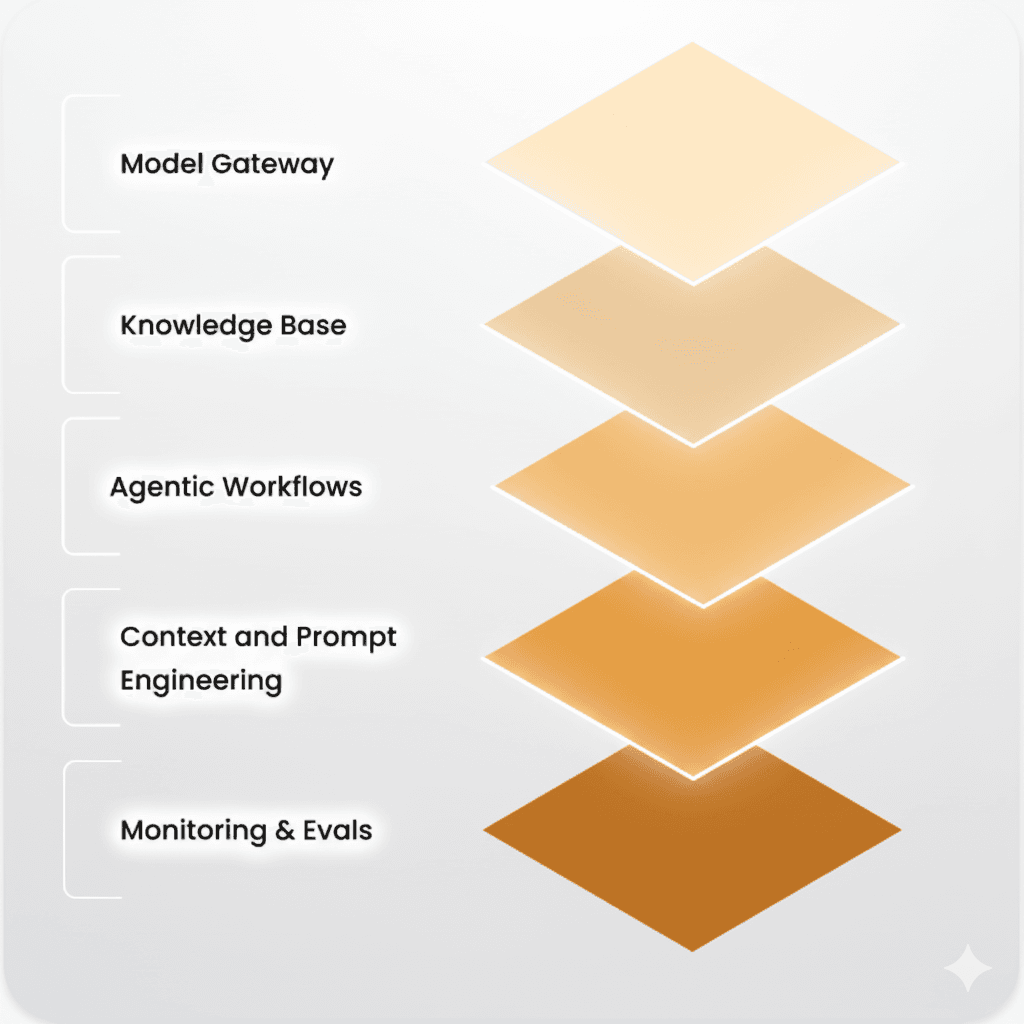
Plan horizontal scaling early in your deployment process. Design your architecture to accommodate additional nodes as demand grows. Implement auto-scaling policies that respond to workload changes automatically, ensuring optimal resource utilization.
Load distribution across multiple servers prevents bottlenecks and improves reliability. Configure health checks and failover mechanisms to maintain service availability during hardware maintenance or unexpected failures.
Minimum requirements include 24GB GPU memory for 7B models, 64GB system RAM, high-speed NVMe storage, and robust network infrastructure. Larger models require proportionally more resources.
On-premise deployments provide complete data control, predictable costs, and enhanced security, while cloud solutions offer easier setup but less control and potentially higher long-term costs.
Key security measures include encryption at rest and in transit, robust access controls, network segmentation, regular security audits, and comprehensive monitoring systems.
Deployment timelines range from 4-12 weeks depending on infrastructure complexity, security requirements, and team expertise. Proper planning and preparation significantly reduce implementation time.
Regular maintenance includes security updates, performance monitoring, hardware maintenance, model updates, and backup procedures. Plan for dedicated resources to manage these ongoing requirements.
Deploying an on-prem LLM requires careful planning, robust infrastructure, and ongoing commitment to security and performance optimization. The benefits of data sovereignty, cost predictability, and enhanced security make this approach increasingly attractive for enterprise organizations. Success depends on thorough preparation, proper hardware selection, and implementation of comprehensive security measures. Organizations that invest in proper planning and execution find that on-premise AI deployments provide superior control and long-term value compared to cloud alternatives. Consider conducting a detailed infrastructure assessment to determine the best approach for your organization's specific requirements and begin your journey toward secure, controlled AI deployment.